
Draw your World on your iPad
Learn to draw your possessions, sketch your travels and journal visually with your iPad.
Why iPad urban sketching?
- An iPad + Apple Pencil + Procreate is the most compact, versatile creative toolkit you can use.
- It’s light, comes with hundreds of incredible brushes that make more fun marks than you will ever need,
- You’ll never feel like you forgot an important bit of kit again.
- The convenience of setting up and packing up in seconds is very liberating!
- Work big, small or fill a wall with your artwork.
- Using an iPad doesn’t mean you have to give up paper and other traditional tools. But if you already have an iPad, it makes sense to know how to wield it well. It’s a powerful tool in your arsenal when you want a light, portable studio, with lots and lots of creative options.
- Also not to be underestimated… no clean up, no more scanning artwork (or finding a scanner that fits your giant drawing), no fiddly color correction needed. Ever.
And if you’re on the fence, borrow an iPad & Apple Pencil, then take my absolutely free course Procreate for Beginners to dip your toe in and see if digital works for you.
Start with my Free Course:
Procreate for Beginners
New to Procreate or need a refresher? Learn the basics of Procreate for digital urban sketching in this 7-lesson FREE COURSE, including
- Brush recommendations
- Customizing color palettes
- Layer management for beginners
- Starter tips for digital urban sketching
- My system for organizing and backing up artwork
- …with English subtitles
Hey there!
I'm Rob.
I‘ve been a full-time iPad artist using Procreate since 2014 and love how this kit lets me draw anytime and anywhere inspiration strikes.
I‘ve taught iPad sketching workshops around the world for years and now have self-paced online courses right here to share with you the best digital workflows for iPad urban sketching.
iPad Urban Sketching 101
Learn to capture stories and scenes of your life using Procreate on your iPad, even if you’re a complete beginner.
My free course, Procreate for Beginners introduces the basics. If you’d like to take iPad urban sketching further, my first paid course iPad Urban Sketching 101 goes into the depth and detail of my sketch-paint process.
Get a front row seat with me as I show you every step I take in THREE demos, from the first look and figuring out how to start, to every stroke, color choice, compositional decision and of course, the exact workflow I use with Procreate.
We start indoors with collections you own and love, then head outdoors, starting easy with a collection of doorways before looking at several ways to capture chaos on the streets of Hong Kong.
Tell Me More
This course is for you if:
- You have an iPad and Apple Pencil but don’t know where to start
- You like the idea of a light, convenient mobile kit that lets you work anywhere with no clean-up needed
- You’ve been drawing from photos but feel stuck when drawing from real life
- You want to learn to sketch what you see
- You want a simple, repeatable process instead of watching random YouTube videos
Learn to start digital urban sketching with these 3 demos
-
Learn how to start a sketch
-
Discover best brushes (not just for beginners!)
-
Explore different ways to approach painting and color
-
Learn how to look at a scene, break down its components and play with composition
These THREE demos cover all that ground and help you start by drawing indoors with things you have with you. We then take those skills outdoors step-by-step to build your confidence, train your analytical eye when looking at a scene so you’ll have a better understanding of composition.
Stories from your Stuff
Practice your Procreate skills with collections of objects you already own.
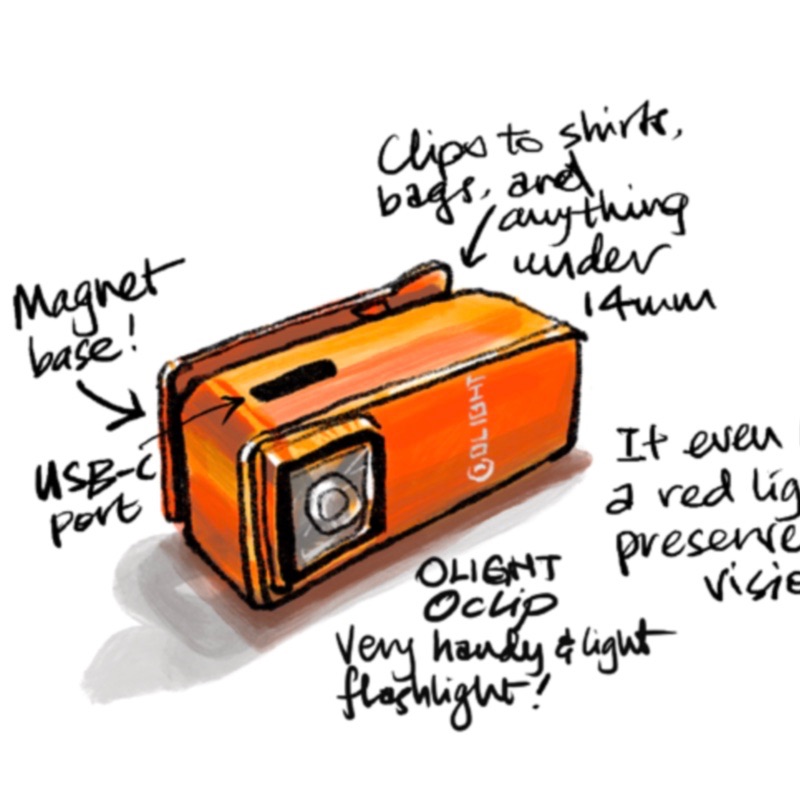
In this demo, I draw my flashlight collection and show you how to start with simple lines with recommended brushes.
You’ll also learn 4 different ways to paint objects in Procreate, along with workflows that make the entire process smoother and easy.
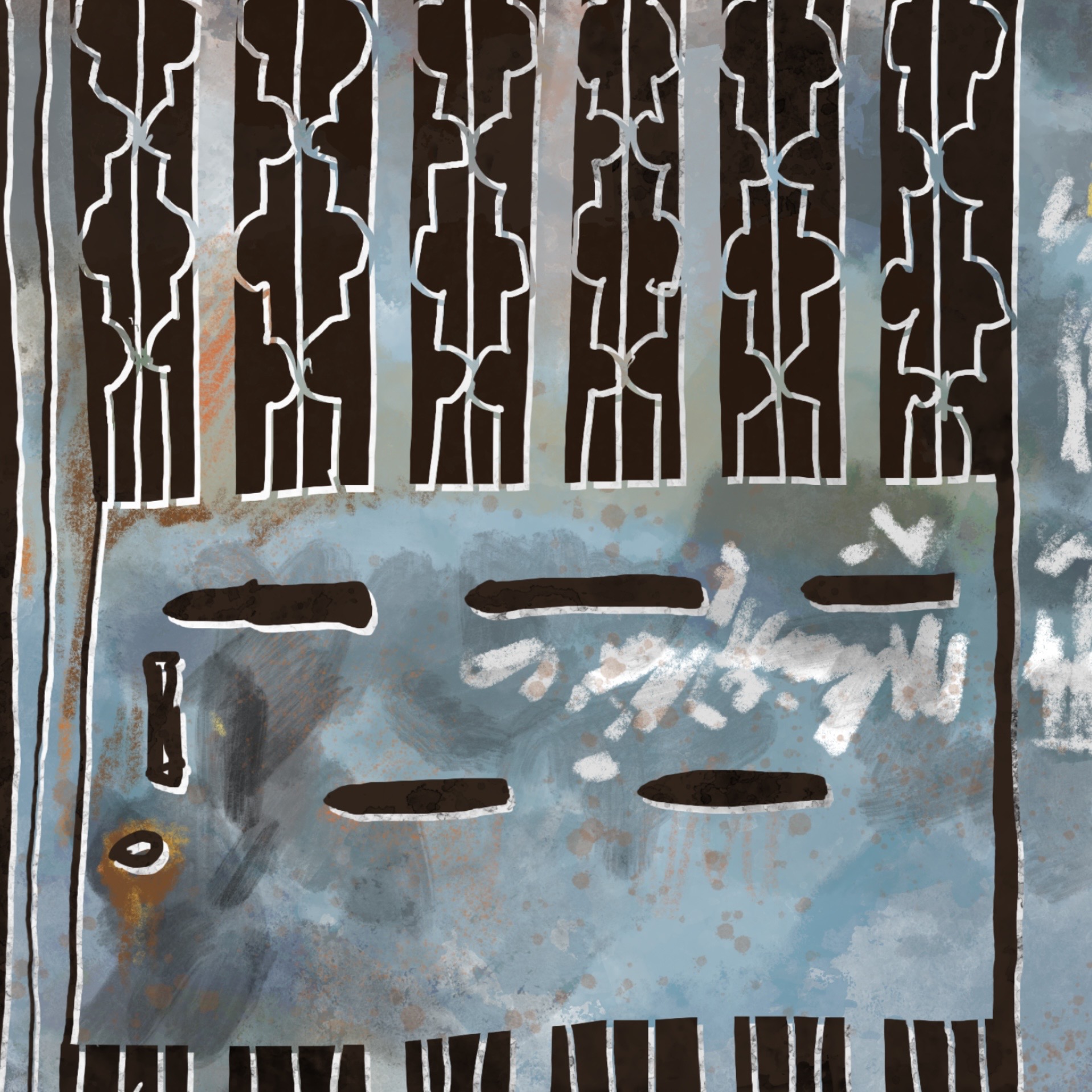
Doorway to the Outdoors
Sketching outdoors can be overwhelming when you first try it.
Drawing a collection of doorways is a surprisingly interesting way to start!
Explore a different digital approach in this demo that helps you think of layers in another way and introduces digital chiseling with the eraser tool!
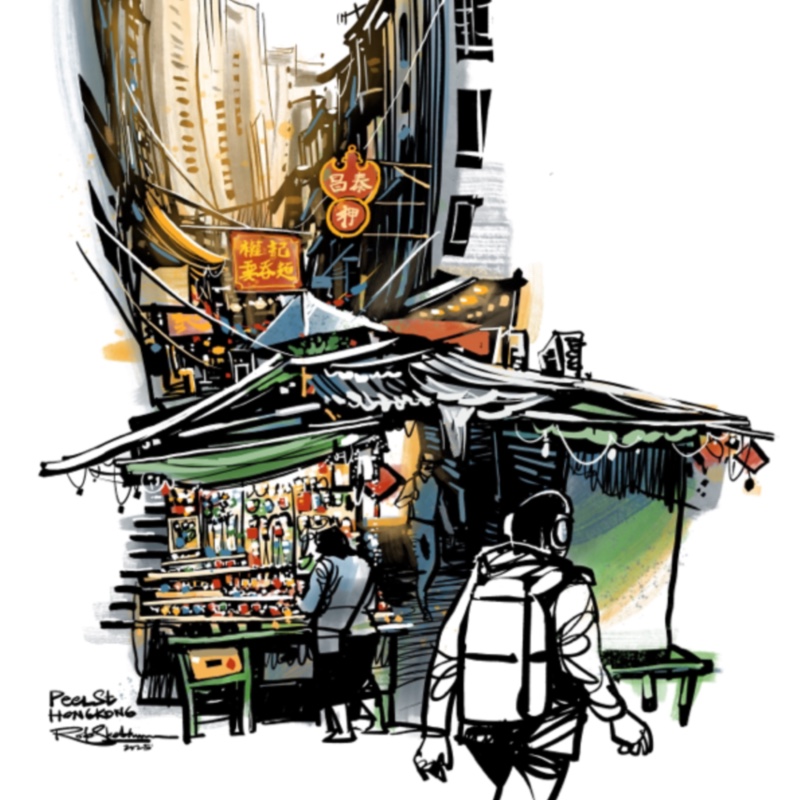
Hitting the Streets
How do you decide what to draw when there’s so much detail? What if there isn’t much time? In this demo, I show you how I analyze a scene on Peel Street in central Hong Kong.
I then break down a few sketching approaches starting from just simple line work of a street vendor, and how I would expand the sketch if there was more time, and finally, a complete paint job.